Table of Contents
What Actually Stops Your Code and Why
At some point, every program gets interrupted.
Sometimes it’s hardware.
Sometimes it’s the CPU itself.
Sometimes it’s the OS tapping your process on the shoulder.
We casually call all of this “interrupts”, but that’s incorrect.
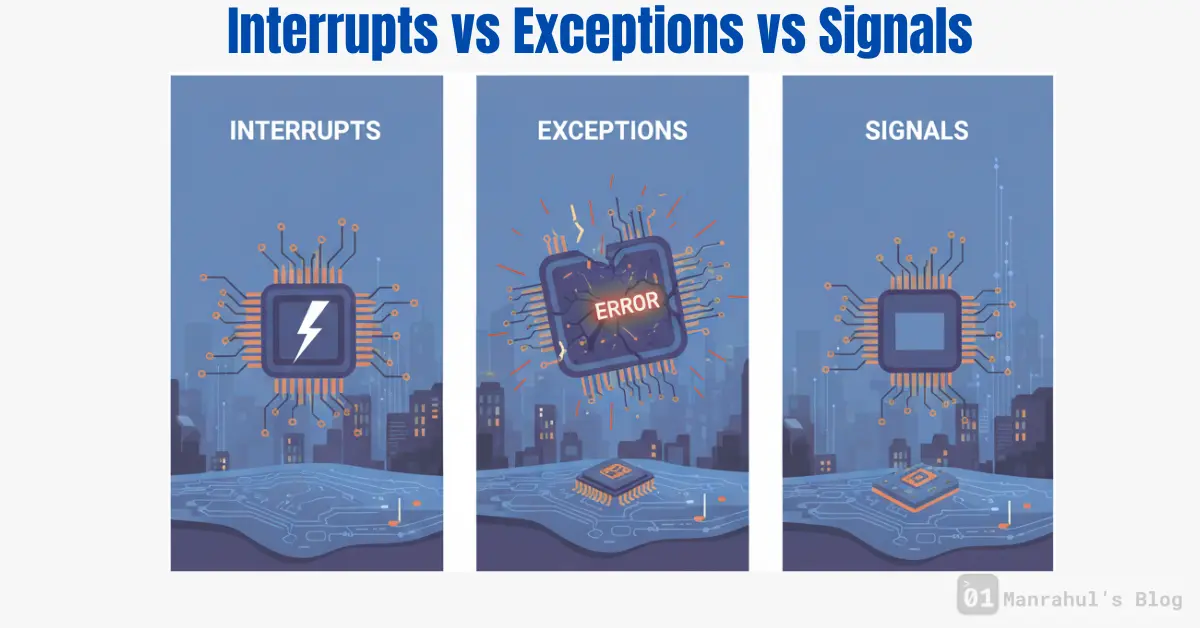
Interrupts, exceptions, and signals are different things, handled at different layers, for different reasons. Understanding the distinctions among these concepts is crucial for software engineers dealing with interrupts vs exceptions vs signals.
Let’s untangle them properly.
The Big Picture First
All three are about breaking normal execution flow.
But they come from different places:
- Interrupts come from hardware
- Exceptions come from the CPU while executing an instruction
- Signals come from the operating system to a process
Same effect. Very different causes.
Interrupts (Hardware Events)
Interrupts are raised by hardware devices.
Examples:
In summary, the topic of interrupts vs exceptions vs signals plays a vital role in how programs handle interruptions and errors efficiently.
Understanding the differences among interrupts vs exceptions vs signals is crucial for effective software development.
Understanding the differences is crucial for effective programming, especially when dealing with interrupts vs exceptions vs signals.
- Keyboard input
- Network packet arrival
- Disk I/O completion
- Timer ticks
These events are external to the CPU core.
The CPU is executing some instruction, and suddenly:
“Hey, something needs attention.”
The CPU:
- Pauses current execution
- Saves state
- Jumps to an interrupt handler
- Returns back when done
Your application code never sees raw hardware interrupts.
The OS handles them first.
Key Properties of Interrupts
- Asynchronous
- Triggered by hardware
- Can occur between instructions
- Handled by kernel / privileged code
Interrupts are why:
- I/O can be efficient
- CPUs don’t waste time polling devices
- Multitasking is possible
Exceptions (CPU-Detected Events)
Exceptions come from inside the CPU.
They happen because of the instruction being executed.
Examples:
- Division by zero
- Page fault
- Invalid opcode
- General protection fault
The CPU detects a problem while executing an instruction and raises an exception.
This is not optional.
The CPU cannot continue normally.
Key Properties of Exceptions
- Synchronous
- Triggered by the current instruction
- Precise (CPU knows exactly which instruction caused it)
- Handled immediately
Some exceptions are fatal.
Some are part of normal execution.
Example:
- Page faults happen all the time
- The OS handles them and resumes execution
Signals (Process-Level Notifications)
Signals live at the OS process level.
They are a way for the kernel (or another process) to notify your process that something happened.
Examples:
SIGSEGV– invalid memory accessSIGINT– Ctrl+CSIGKILL– force terminateSIGTERM– polite shutdown request
Signals are how exceptions and interrupts bubble up to user space.
Key Properties of Signals
- Delivered to a process
- Handled in user space
- Can be caught or ignored (some)
- Represent events, not instructions
Signals are not instructions.
They are notifications.
How These Three Connect
Let’s follow a real example.
You access invalid memory.
- CPU detects illegal access
- CPU raises an exception (page fault or protection fault)
- Kernel handles the exception
- Kernel sends
SIGSEGVto your process - Process terminates (or handler runs)
Same event.
Different layers.
Another Example: Ctrl+C
- Keyboard generates hardware interrupt
- Kernel interrupt handler runs
- Kernel decides which process is active
- Kernel sends
SIGINTto that process
Your program never sees the interrupt.
It only sees the signal.
Why Software Engineers Should Care
This matters when:
- Debugging crashes
- Writing low-level code
- Handling signals
- Building servers
- Working with threads and async I/O
Misunderstanding this leads to:
- Wrong mental models
- Bad error handling
- Unreliable programs
Learn More About relevant topics:
- CPU Cache (L1 / L2 / L3) – How Data Actually Reaches the CPU
- What is a Thread in computing? And Why Multithreading is Like Cooking Many Dishes at Once
- Branch Prediction – Why CPUs Guess the Future
Common Misconceptions
“SIGSEGV is an interrupt”
No.
It’s a signal caused by a CPU exception.
“Signals are hardware events”
No.
They’re OS-level abstractions.
“Exceptions are errors”
Not always.
Page faults are exceptions, and they’re normal.
Quick Mental Model
- Interrupt: hardware talking to the OS
- Exception: CPU complaining about an instruction
- Signal: OS talking to a process
Different layers.
Different responsibilities.
Final Thought
Your code does not run in isolation.
It’s surrounded by hardware, CPUs, kernels, schedulers, and signals.
Understanding how execution gets interrupted is how you stop being surprised by crashes, hangs, and weird behavior.
That’s the line between writing code and understanding systems.